01 · alignment
Align the sky
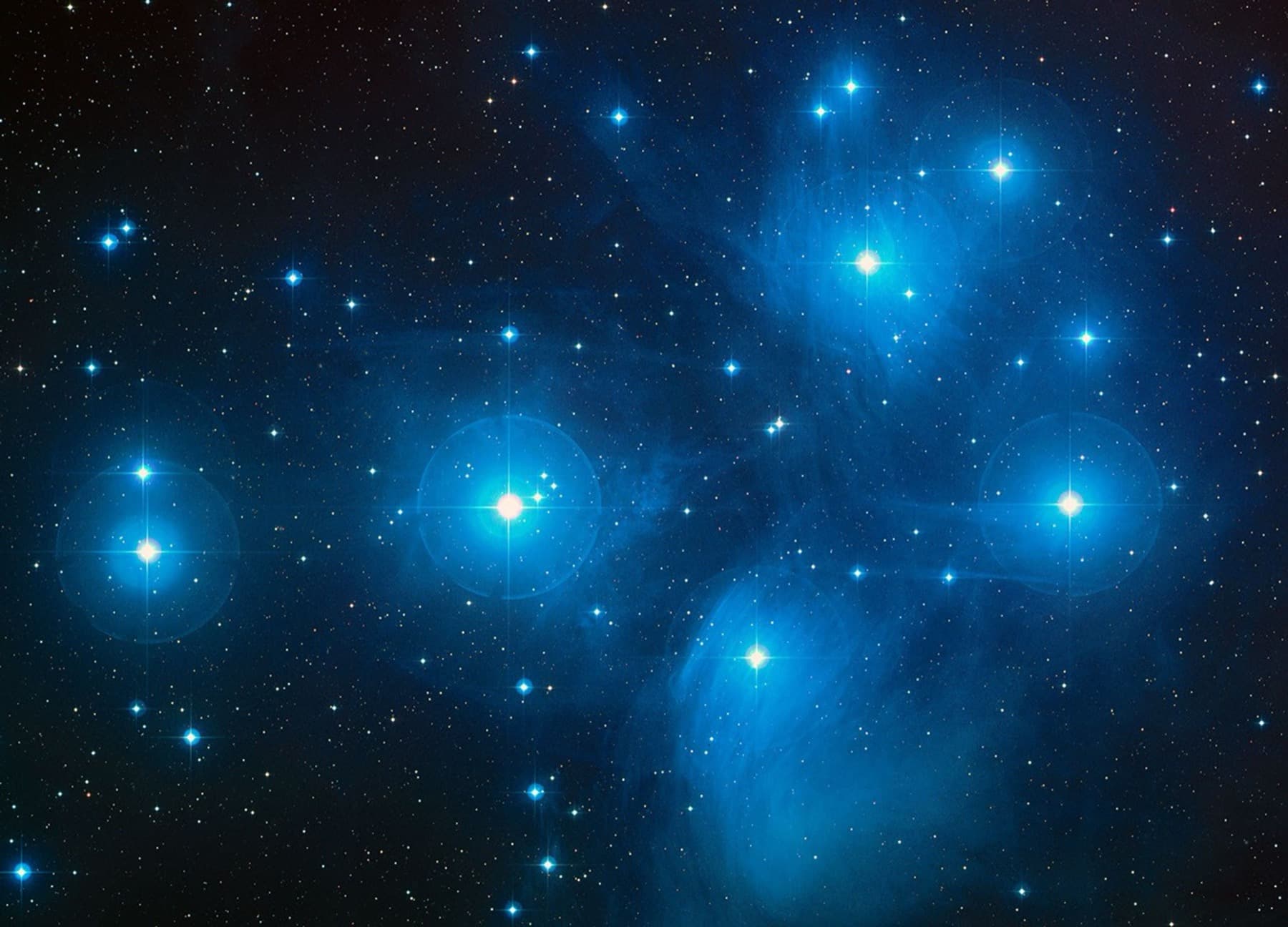
Stars stay registered across every frame, even when your setup shifts slightly between exposures.
Sub-pixel star alignment

Astrophotography stacking for iPhone
Turn multiple photos of stars, night skies, the Moon or planets into one clear, detailed image—right on your iPhone.

More signal. Less noise.
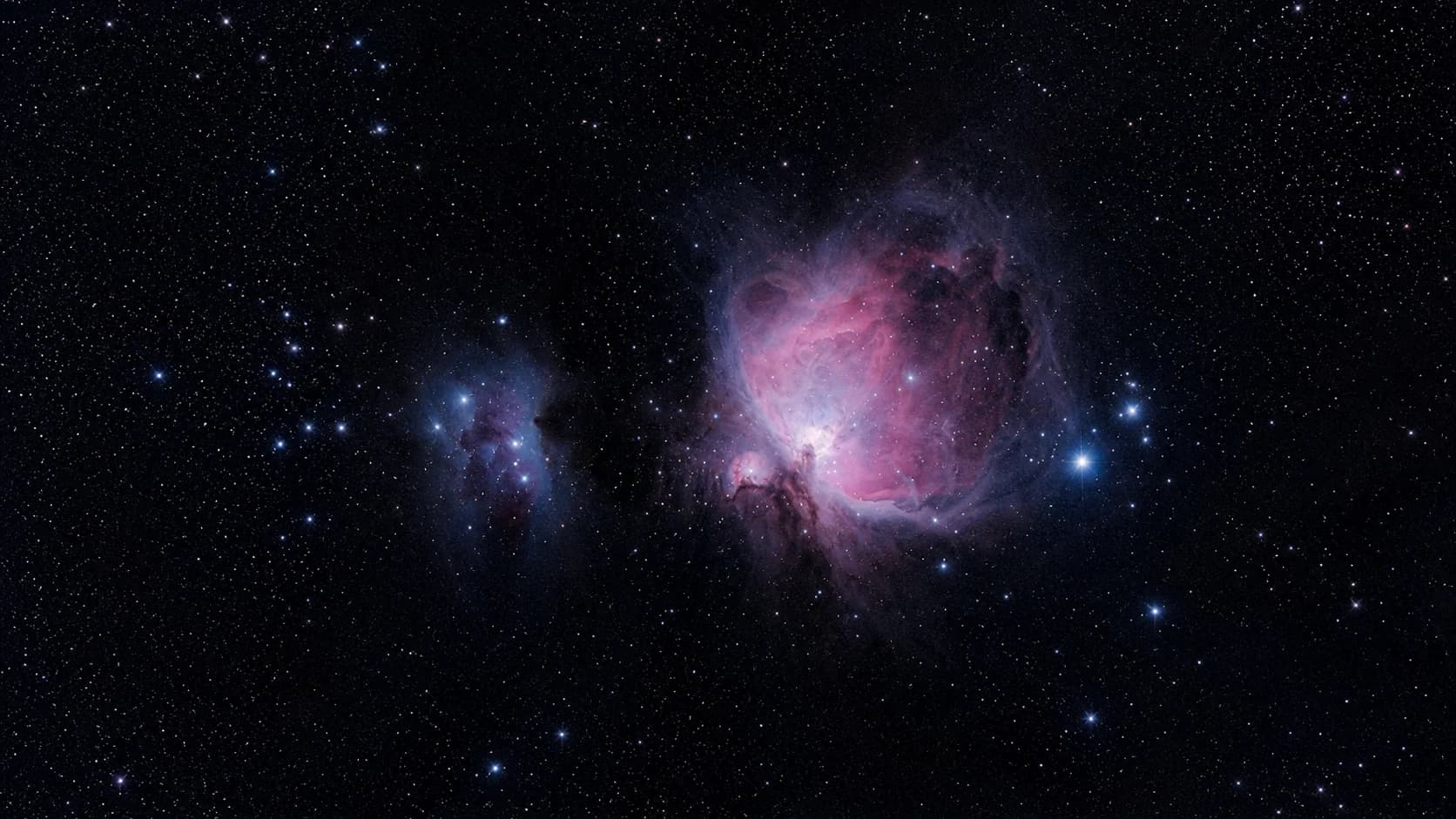
Astrophotography stacking combines multiple exposures of the same night sky. Astro Stacker aligns the frames, strengthens repeated light and reduces random noise so stars, skies, the Moon and planets come through more clearly.
Stars stay registered across every frame, even when your setup shifts slightly between exposures.
Combine repeated signal to reduce grain, hot pixels and unwanted trails while keeping celestial detail.
Refine colour, contrast and structure with astronomy-focused styles, then export at full resolution.
Start under the stars
Learn the workflow for free. Upgrade when you are ready for larger sessions, advanced formats and complete calibration.
FreeNo card needed
Everything you need to discover what stacking can reveal.
Astro Stacker ProFull darkroom
The complete mobile darkroom for deeper sessions.
US App Store reference prices are $12.99/month, $99.99/year or $219.00 lifetime. Apple shows your local price and confirms it before purchase.
Questions under the stars
Astrophotography stacking combines multiple exposures of the same night sky. Astro Stacker aligns the frames, strengthens repeated light and reduces random noise so stars, skies, the Moon and planets come through more clearly.
Yes. Choose a sequence from Photos or Files and Astro Stacker aligns, calibrates, stacks, enhances and exports the result on your iPhone or iPad.
Stars and celestial detail repeat across aligned frames while much sensor noise varies from frame to frame. Combining the frames strengthens the repeated signal and reduces random grain, without promising that every artefact will disappear.
Start with several consistent, sharp exposures of the same scene. More well-matched frames can improve the result, but quality and consistency matter too. Free supports up to 10 light frames per stack; Pro removes the frame limit.
Stack stars, the Milky Way, deep-sky objects, the Moon and planets. Use photos from your iPhone or iPad, or import compatible image files captured with a camera or smart telescope.
No. Astro Stacker aligns, calibrates, stacks and enhances your images on iPhone or iPad, so you can finish a session without moving it to a desktop workflow.
Free works with standard photo formats. Pro adds RAW, Apple ProRAW and native FITS import. You can export JPG, PNG, TIFF and FITS, with 16-bit exports on Pro.
Dark frames help correct thermal signal and hot pixels, flat frames help correct vignetting and dust, bias frames capture readout offset, and dark-flat frames calibrate flat exposures. Calibration is optional when you are learning and available in Pro.
Yes, Pro can import compatible RAW and FITS files through Files. Astro Stacker processes the files you provide; it does not claim universal hardware compatibility or control the capture device.
Free includes up to 10 light frames per stack, 3 stacking sessions every 7 days, standard photo formats and 3 saved results.
Pro adds unlimited stacking sessions and frames, RAW, Apple ProRAW and FITS import, dark/flat/dark-flat/bias calibration, advanced alignment controls, 16-bit exports and unlimited history.
Yes. The core stacking and editing workflow runs on your iPhone or iPad, and your images do not need to be uploaded. Optional account features, history sync, purchase verification and operational diagnostics use an internet connection.
Astro Stacker supports iPhone and iPad running iOS or iPadOS 17.0 or later.