Updates
Every update.
We ship a new version every few weeks. Here is everything we have changed, newest first, and what Astro Stacker can do for your night sky today.
What it does today
Version 2.1.1,at a glance.
- 01
Lines up your stars
Finds the stars in every photo and lines them up, even when the camera moved a little between shots.
- 02
Clears out the grain
Stacks your photos so real detail adds up and noise cancels out. Each result shows how much less noise it has than one photo.
- 03
Removes satellite trails
A plane or satellite that crosses only some of your frames is spotted and left out of the final image.
- 04
Three ways to stack
Quick for a fast preview, Quality for everyday nights, Max Detail when you want everything the sky gave you.
- 05
Calibration framesPro
Add darks, flats and bias frames to remove hot pixels, dust spots and dark corners.
- 06
RAW, ProRAW and FITSPro
Import camera RAW, Apple ProRAW and FITS from telescope cameras, mono cameras included. Each filter can be stacked on its own.
- 07
Edit the result
Stretch, styles, histogram and local contrast, with a preview you can zoom into. What you save is exactly what you see.
- 08
Never lose a stack
If the app closes mid-stack, it picks up where it left off. Sign in and your results are backed up privately, full size with Pro.
- 09
In your language
English, German, Spanish, French, Italian, Japanese, Korean, Portuguese and Simplified Chinese.
Every version
What changed,and when.
Fewer dead ends
Finished and on its way to the App Store.
- NewWhen a newer version is out, the app tells you, so you're never stuck with a bug we've already fixed.
- FixedNikon RAW photos picked from Photos keep their full detail.
- FixedIf your photos can't be opened, the app now says exactly that, instead of saying there weren't enough stars.
- FixedClosing Apple's payment sheet no longer leaves a message saying your purchase is being confirmed.
- FixedIf you sign in halfway through buying Pro, the purchase carries on where it was.
- BetterClearer words in the photo groups: your sky photos are now called “Photos of the sky (light frames)”.
Photos go where you put them
A quick fix for the photo groups, and clearer help when stars can't be found.
- FixedPhotos now always go into the group whose button you pressed. Before, sky photos could end up with your calibration frames.
- BetterWhen the app can't find enough stars, it tells you why in plain words, with a Contact us button right there.
- BetterDarks, flats and bias frames each have their own icon, so you can tell the groups apart at a glance.
A new look for the night
The whole app redrawn in midnight, cream and starlight gold.
- NewA new look. Home opens on a single noisy frame that clears into stars, the way stacking does.
- NewTonight's moon: the real phase sits on Home, with a word on whether it's a good night to shoot.
- NewEvery stack shows how much less noise it has than a single photo.
- BetterThe stacking ring clears from noise to stars as it works.
- BetterCheck only one photo and the app now tells you that 10 or more gives a clean result.
- PlansThe free plan includes 1 stack a month. When a free trial of Pro is on offer, the plans screen shows it.
What you save is what you see
Fixes for saving edits and importing from Files.
- FixedA saved edit now matches exactly what you saw on screen.
- FixedImporting two files with the same name from Files no longer swaps your photos round.
- BetterA satellite trail that appears in just one frame is now removed too.
Ideas you can vote on
Tell us what to build next, and sign in with one tap.
- NewFeature Requests: suggest ideas in Settings and vote on other people's. The most-wanted get built first.
- NewSign in with Apple is one tap from the welcome screen, so your results are backed up. It's still optional.
- FixedThe Language row in Settings now takes you to a page where you can actually change the language.
- PlansRAW, ProRAW and FITS import, calibration frames and 16-bit export are now part of Pro. The free plan stacks up to 10 photos at a time and keeps 3 finished stacks.
Steadier stacking
A reliability update for older iPhones and rotated photos.
- FixedSaving no longer freezes the app on older iPhones.
- FixedPortrait RAW and rotated photos now come out the right way up.
- FixedThe Pro screen recovers by itself if the App Store is slow to answer.
- BetterPick a single photo and the app asks you to add more, instead of failing.
- BetterDates, durations and numbers follow your region, so an exposure reads the way you'd write it.
Astro Stacker speaks your language
The whole app in nine languages, and a stack that survives the app closing.
- NewEvery button, explanation and error message in German, Spanish, French, Italian, Japanese, Korean, Portuguese and Simplified Chinese, alongside English.
- NewIf the app closes in the middle of a stack, it carries on when you come back.
- BetterRAW photos are decoded more gently, so faint stars survive.
- BetterWhen few stars are found, the app looks again more carefully before giving up.
- BetterPhotos with no camera details get a clear warning instead of a strange result.
- BetterThe editor preview can be zoomed into.
Rebuilt from the ground up
A brand new app for iPhone and iPad, then a summer of updates on top.
- NewAstro Stacker rewritten from scratch for iPhone and iPad.
- NewFITS files from telescope cameras work from import to export.
- New16-bit processing all the way through, with a histogram and Stretch to bring out faint detail.
- NewLocal contrast in the editor, for nebulae and the Milky Way's dust lanes.
- NewA private backup of your finished results when you're signed in.
- FixedMixing a mono master frame with colour photos no longer crashes calibration.
- BetterDeleting your account now removes it straight away from the app.
What should we build next?
Tell us whatyou shoot.
People have asked us about these. A couple of lines about how you shoot helps us get them right.
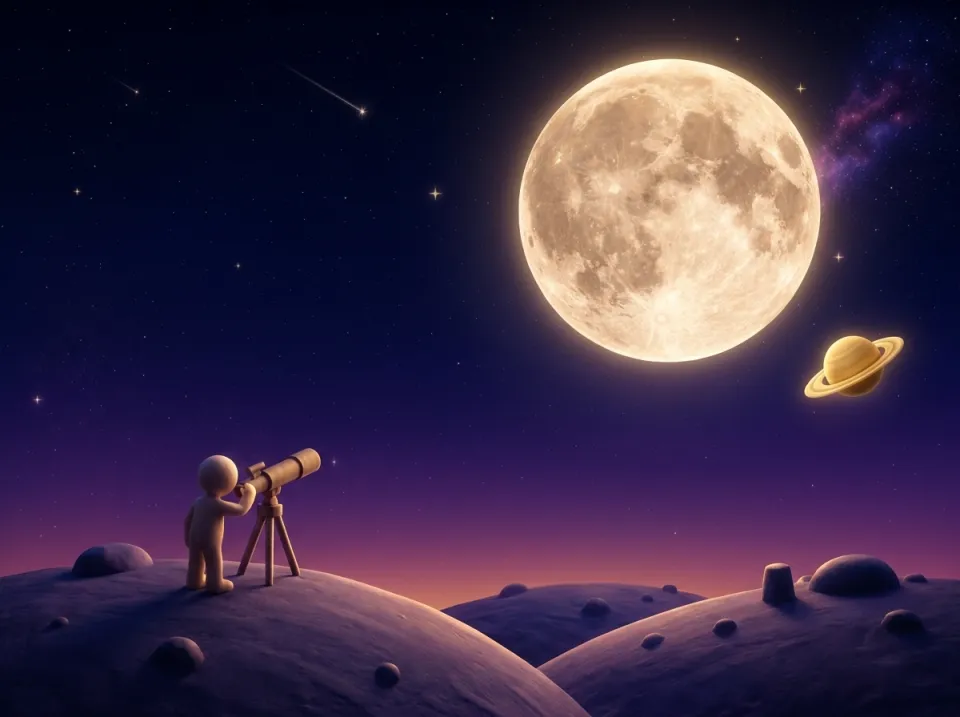
Moon and planets
Stacking the Moon and planets, from photos or video.
Do you shoot the whole Moon or close-ups? On a phone, a camera or as video?
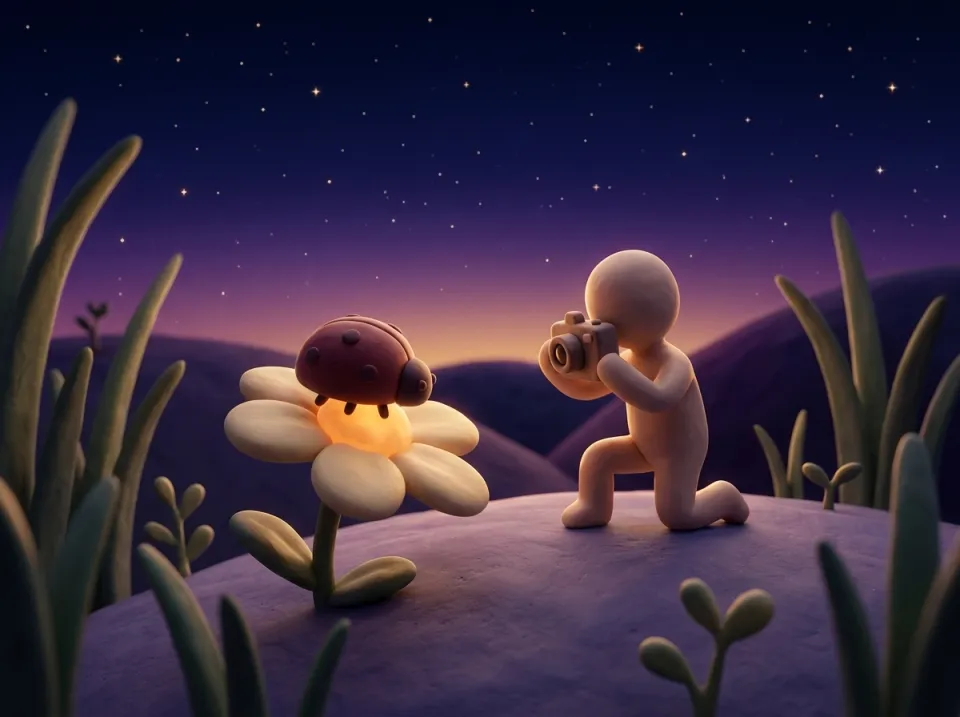
Focus stacking
Blending photos focused at different depths, for sharp close-ups of insects or flowers.
What do you shoot, how many photos per subject, and what do you use for it today?
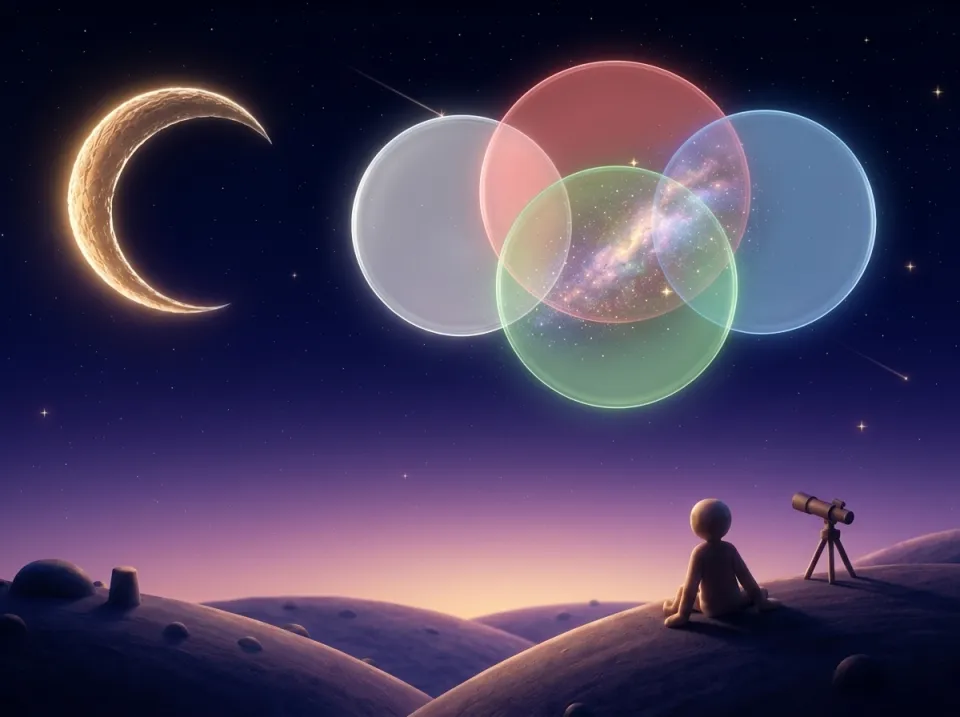
Colour from mono filters
Combining L, R, G and B filter stacks into one colour image.
Which camera and filters do you use, and how many frames per filter?
Get the latest
Clear skies,fewer bugs.