
- DeepSkyStacker and Sequator are Windows-only. There is no official Mac version of either.
- Free on Mac: Siril, which handles deep-sky stacking, calibration and processing.
- Paid on Mac: Astro Pixel Processor and PixInsight, for larger telescope projects.
- Photos on your iPhone or iPad: stack them on the device with Astro Stacker.
1. Why DeepSkyStacker and Sequator aren’t options
Both are popular, free and built for Windows. Neither has an official macOS release. Running them on a Mac means a Windows virtual machine, which adds cost and setup, and on Apple-silicon Macs it needs the Arm version of Windows. Most Mac users are better served by software made for macOS.
2. Stacking software that runs on Mac
- Siril
- Free and open source, with native macOS builds. It calibrates with darks, flats and bias, registers and stacks deep-sky frames, and has processing tools. It is powerful, and it expects you to learn its workflow or scripts.
- Astro Pixel Processor
- Paid, runs on macOS. It is built for telescope and camera projects, including mosaics and multi-night sessions, with strong calibration and integration.
- PixInsight
- Paid, runs on macOS. The deepest toolset for stacking and processing, with the steepest learning curve. Popular with experienced imagers.
- Planetary stackers
- The Moon and planets are stacked from video with different tools. Planet Stacker X is one macOS-native option. Deep-sky stackers aren’t made for this.
3. Which one fits you
| You have | A good fit |
|---|---|
| A DSLR or mirrorless camera and a Mac, and time to learn | Siril |
| A telescope, a dedicated astro camera and multi-night projects | Astro Pixel Processor or PixInsight |
| Moon or planet video | A planetary stacker such as Planet Stacker X |
| Night-sky photos on an iPhone or iPad | Astro Stacker, on the device |
4. Stacking on iPhone or iPad instead
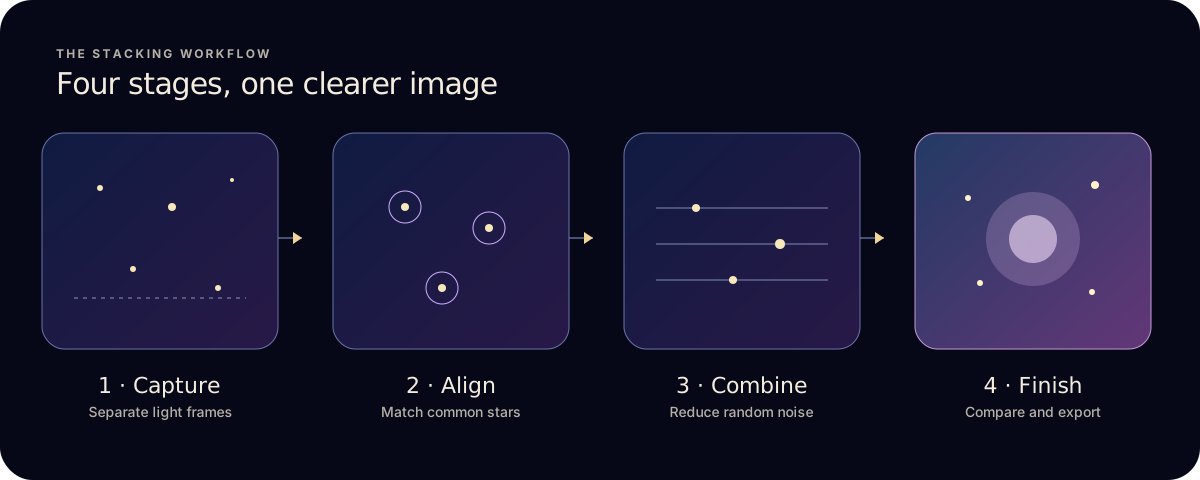
If your frames are phone photos, or files you can open in the Files app, you may not need the Mac at all. Astro Stacker aligns the stars, stacks with one of three modes, and has finishing tools on iPhone and iPad. Pro adds RAW, Apple ProRAW, FITS and dark, flat and bias calibration.
It does less than the desktop programs. There are no stacking-method menus, no comet or star-trail modes, and Moon and planet stacking isn’t available yet. The comparison for DeepSkyStacker and Sequator users lists what carries over and what doesn’t.
Ready to try it on your phone? Read how to stack astrophotography photos on iPhone.