- The app needs at least six stars it can match between frames, in at least two of your photos.
- It has already retried at its most sensitive setting before showing the error.
- Fix it with sharper focus, longer exposures, a darker or clearer sky, or framing with more sky.
- The Moon, planets and daytime scenes can’t be stacked yet.
1. Why it happens
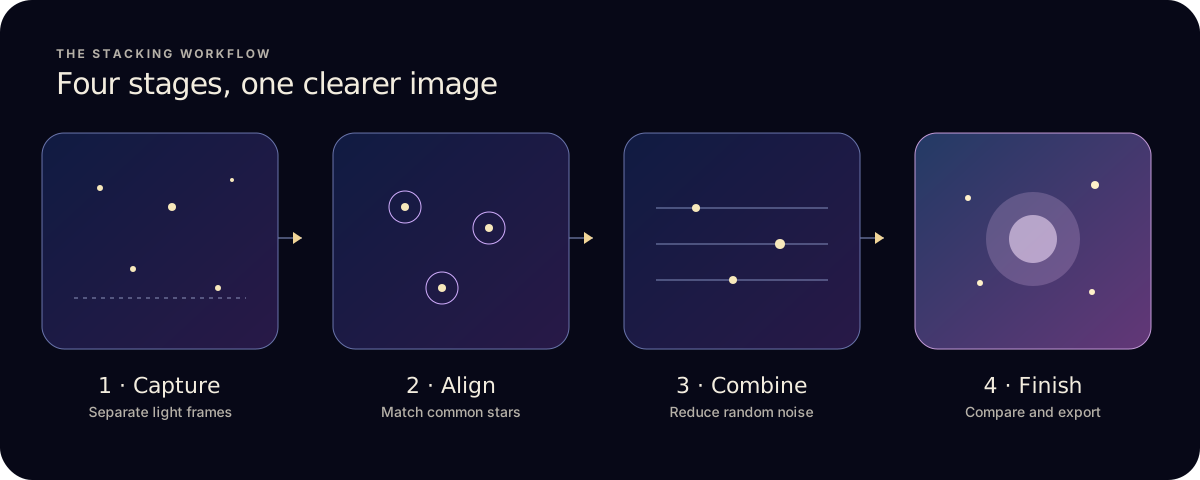
To align frames, Astro Stacker detects stars in each frame and matches patterns between them. It needs at least six matched stars to work out how a frame has shifted. If fewer than two of your selected frames contain enough clear stars, there is nothing reliable to line up, so the stack stops.
Before you see the error, the app has already stepped its detection down to the most sensitive level and tried again. Switching stack mode usually won’t help.
2. Fixes that work
- Stars are soft or doubled
- Refocus on a bright star and steady the phone or camera. Blurred stars aren’t detected as stars.
- Too few stars in the frame
- Point at a part of the sky with more stars, or include less foreground. Trees, buildings and landscape don’t help alignment.
- Sky is hazy or washed out
- Cloud, moonlight and light pollution hide faint stars. Try a clearer night, a darker site, or aim away from the Moon and city glow.
- Exposures are too short
- Use a longer exposure, a higher ISO or a wider aperture so more stars show up in each frame.
- A photo of the Moon or a planet
- These have too few stars to align. Planet Lab for the Moon, planets and the Sun is coming soon.
- Only some frames are bad
- Untick the cloudy or blurred frames and stack the rest. Two good frames are enough to align.
3. Other common stacking problems
- “Color Format Mismatch”
- Some frames are colour and some are greyscale. Use frames from the same camera with the same colour setting, and remove screenshots.
- Stars look smeared after stacking
- Some frames had shake or long exposures that trailed the stars. Remove them, or use Quality or Max Detail, which leave out the weakest frames.
- A trail survives the stack
- Quick averages every frame. Run Quality or Max Detail, or untick the frame with the trail.
- The stack stops partway through
- Start with fewer frames to test, close other apps, and make sure the device has free storage. Then build up the set.
A stack that fails or is cancelled doesn’t use one of your free stacks, so you can retry.
4. Still stuck?
Email support from the support page with the error message, your device, and how many frames you used. The best results guide covers capture settings that make alignment reliable.
Choosing a mode? See Quick, Quality or Max Detail.